Gainsight
Overview
Gainsight PX is integrated into the Cumulocity UI through a JavaScript tag activated after a user logs into the application. This tag initiates Gainsight PX’s anonymized tracking. Additionally, the Knowledge Hub and engagements, represented by the little round box at the bottom right corner, are loaded. These features are optional and can be managed from user settings and directly from Gainsight PX.
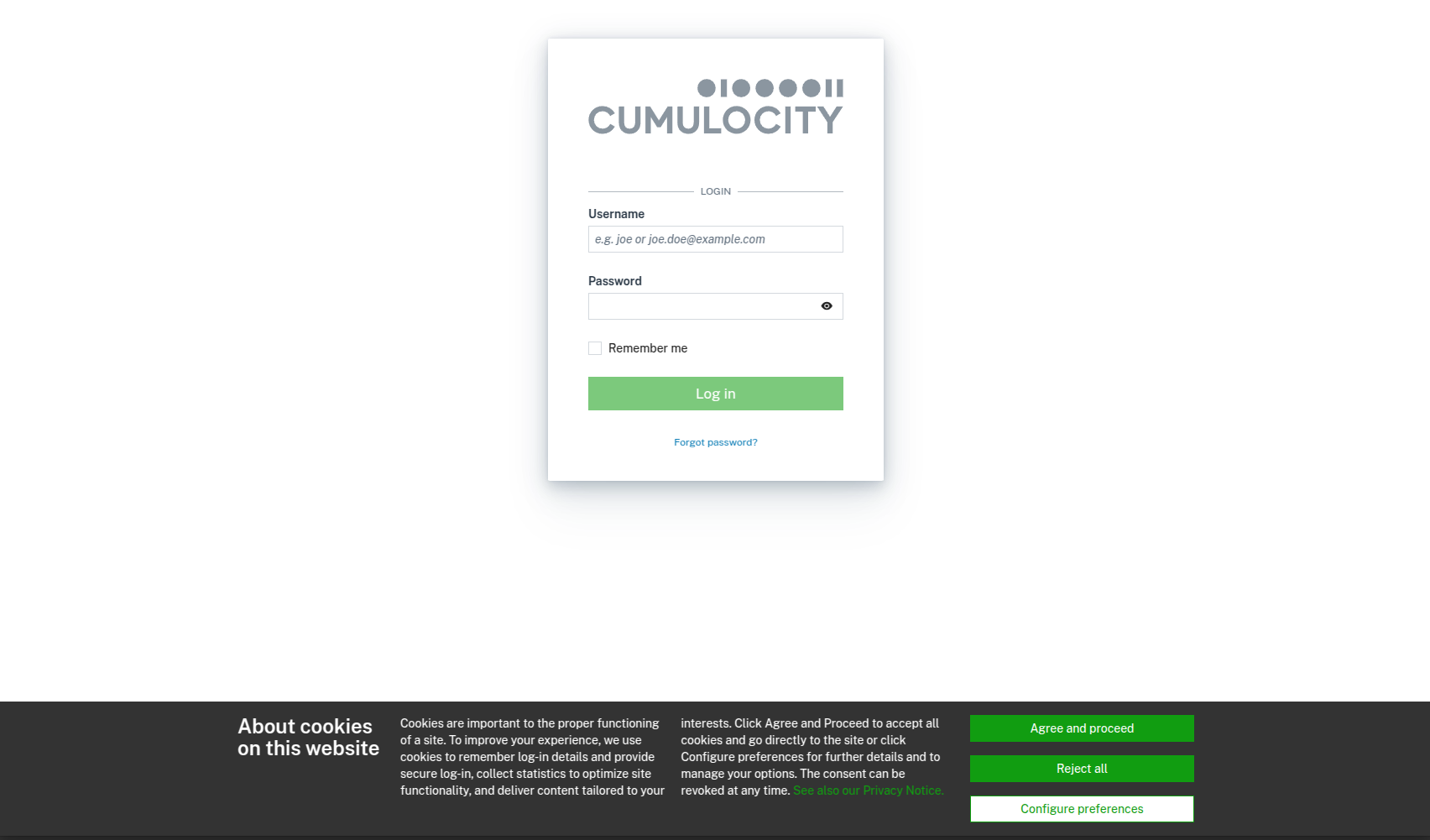
In accordance with GDPR and cookies policy regulations, we must inform users about the use of cookies and provide them the option to opt-out from personal data collection. However, users cannot opt-out from anonymized tracking, as Cumulocity has established a “legitimate interest” in the context of our legal agreement with the customer or trial user. For more details, refer to the Privacy Notice.
Configuration
-
Add the Gainsight API key to the system options of the Management tenant:
PUT {{url}}/tenant/options/configuration/system.gainsight.api.key
{
  "category": "configuration",
  "value": "<API-key>",
  "key": "system.gainsight.api.key"
}
- Configure the cookie banner for all tenants on the instance. The cookie banner configuration operates using the same mechanism as application branding. Upload the public-options.zip, which contains the cookie banner configuration, to the Management tenant (Administration > Own applications). The ZIP archive comprises a JSON file that defines the cookie banner title, text, link to the privacy policy page, and the cookie description. Anonymized tracking is activated by default for all tenants and users as a component of the required cookies. If users opt out of the functional cookies, only the anonymized tracking remains enabled.
Limitations
- Since the cookie banner configuration leverages the standard branding mechanisms, the branding can be redefined by Enterprise tenants. The branding set by a Management tenant will get a higher priority for the tenant and his subtenant and thus the cookie banner configuration would be ignored. For the users of such tenants, the cookie banner won’t be displayed, thus acceptance won’t be acquired and the users won’t be tracked.
- Public options are always removed when branding is removed. If this happens, public options must be re-uploaded, as configuring the cookie banner is necessary.
- If branding was applied before publishing public options with an already set up Gainsight (referring to the cookie banner configuration), then publishing public options (for example, using a curl command or via the UI) will override the existing public options. Consider public options as an application. Uploading new public options is treated as a new version. To avoid this scenario, download the existing branded public options and adjust them manually by copying and pasting the cookie banner configuration from the public options file.
Support Q&A
- We differentiate between required and functional cookies, which users can manage in the cookie preferences dialog. While Gainsight PX anonymized tracking is enabled by default, personalized (non-anonymized) tracking is only active if the user accepts the functional cookies.
- Required cookies - used by core site functionality. They perform a task or operation without which a site’s functionality would not be possible.
- Functional cookies - used to track site usage and to process user’s personal data to measure and improve site usability and performance.
- If a user clicks Agree and proceed on the cookie banner without opening the cookie preferences dialog, both required and functional cookies are accepted.
- The cookie banner can be disabled by a tenant for itself and its subtenants via Administration > Enterprise tenant > Branding. In the Cookie banner section select Disable cookie banner, save and apply the new branding.
- A tenant can disable Gainsight PX tracking for the users of its subtenants from Administration > Subtenants > Tenant custom properties.
- Users can manage their Gainsight PX tracking preferences from the Edit user dialog. They can choose to opt-out from personalized tracking, which will result in only anonymous (aggregate data) tracking. Additionally, users can opt-out from in-product engagements such as the Knowledge Hub and other interactions, in which case tracking will continue but “user preferences” will be sent to Gainsight PX.
- Customers with custom branding have their cookie banner active by default with the default banner text and link to the Cumulocity privacy policy. Customers can deactivate the cookie banner and, in these cases, Gainsight PX tracking will be disabled.
- Tracking can also be disabled using a new application option named
disableTracking. This option can be included in the public options. - PII (Personally identifiable information) data: email, userName, firstName, lastName.
- Custom branding no longer blocks tracking. It only affects user engagement settings and will disable it by default.
- If the customer wants to enable only anonymized tracking by default, then follow these instructions:
- Update the existing public options, where options called functional (in the
cookiePreferences) is set to false. - If no public options are present, upload new public options with this option being set to false. Users can still enable sending personal data to the platform by enabling it in the User menu.
- Update the existing public options, where options called functional (in the
Custom user attributes
It’s important to note that user preferences attributes cannot be updated via the Gainsight Javascript Web SDK, as this functionality is not supported. To work around this limitation, custom attributes named “engagements”, “Custom branding”, “Tracking(PII data)”, “isUserCreatedAfterAnonymizationWasActivated” were created:
- Custom branding: Indicates if the user is using custom branding. Custom branding is recognized when a custom logo is set via branding.
- Tracking(PII data): Indicates if the user allowed to send their PII data.
- isUserCreatedAfterAnonymizationWasActivated: Indicates if the user uses a version of the application that supports the anonymization feature.
- Engagements: Indicates if user allowed to display in-product information and communication (Knowledge Hub, surveys, etc.)

All attributes were added in versions:
- 10.18.0.180
- 10.18.498.0
- 10.16.0.482
- 10.17.0.512
Product and user analytics
FAQ for customers
Why do you collect user and product analytics?
We collect user analytics to enhance and improve our products continually. By understanding how users interact with our products, we can identify areas for improvement, address user pain points, and make informed decisions.
What data is collected?
We collect anonymized data related to user interactions with our products. This may include feature usage and navigation patterns. Anonymous tracking doesn’t collect any Personal Identifiable Information (PII) such as email addresses or names.
In addition, we may collect personal data only if you have given your consent (accepted our functional cookies).
How do you collect data?
We use cookies to understand how our services are used so that we can improve them. For example, we use cookies for analytics and diagnostic purposes to improve our products and services and to measure and analyze the use and performance of our services. Based on this technology, we may receive evaluations from our service providers, which may include personal data only if you have given your consent.
How is my privacy protected?
We adhere to strict privacy policies and comply with relevant data protection laws.
For more information about our privacy and cookies policy, refer to the Cumulocity Privacy Notice.
Can I opt out of the analytics collection?
Yes, you can change your cookie and tracking preferences at any time from your Cumulocity profile. You can choose how we use functional cookies by changing the cookie settings. In addition, you can control and restrict the placement of cookies through browser settings. In this context, you can also delete existing cookies. However, this may lead to a restriction of the functionalities of our websites. Required cookies are set automatically and cannot be deselected, as otherwise, the platform might not function properly.
How can I learn more about your data practices?
For detailed information about our data and cookie practices, refer to the Cumulocity Privacy Notice.
How can I provide feedback or report issues?
Your input is crucial in helping us understand your needs and continually improve our products. Please feel free to share them in the Feedback Portal in the Cumulocity Customer Service Desk.
Cookie banner screenshot